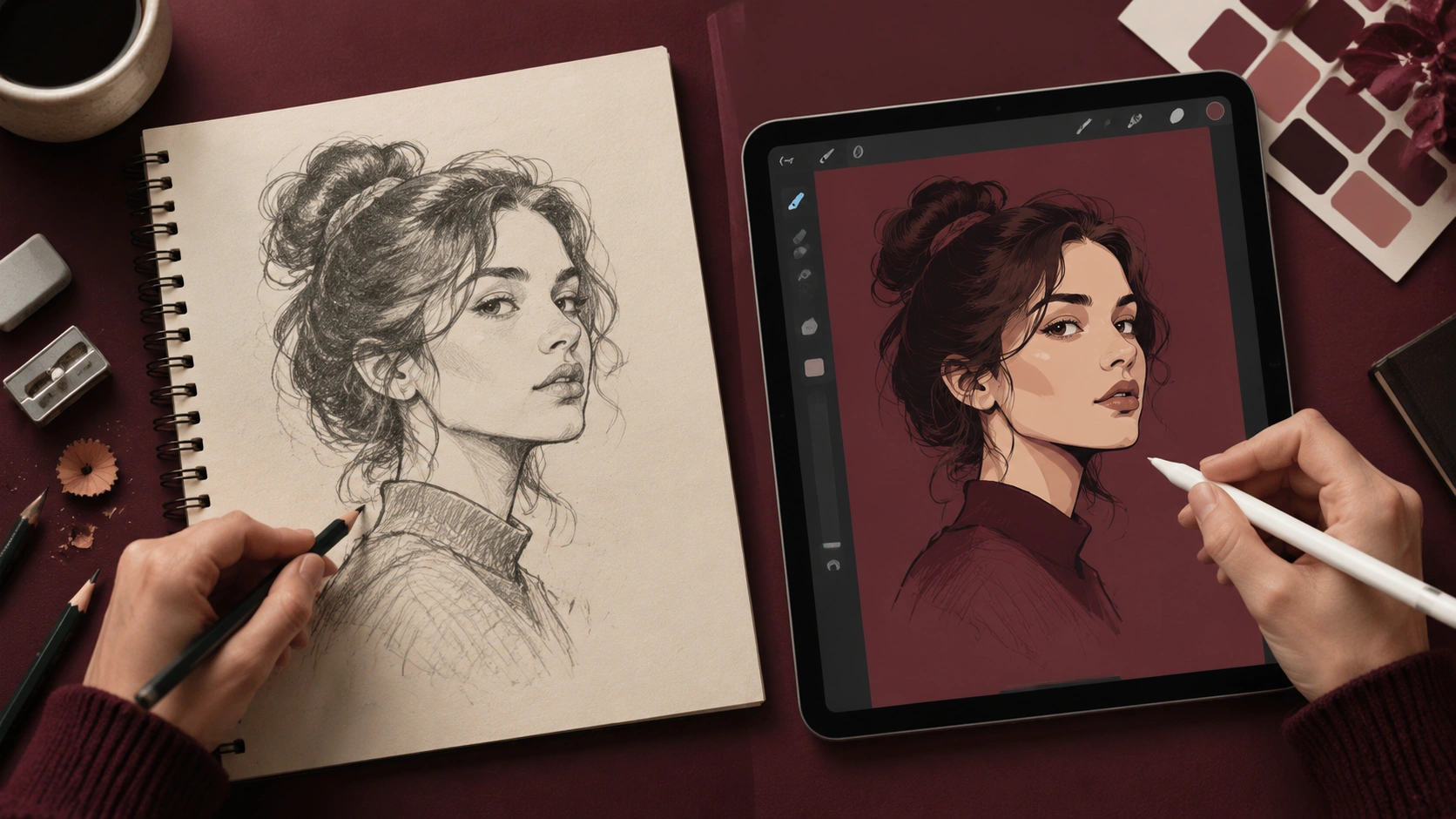
Hand Drawing vs Vector Illustration: When to Stay Analog and When to Go Digital
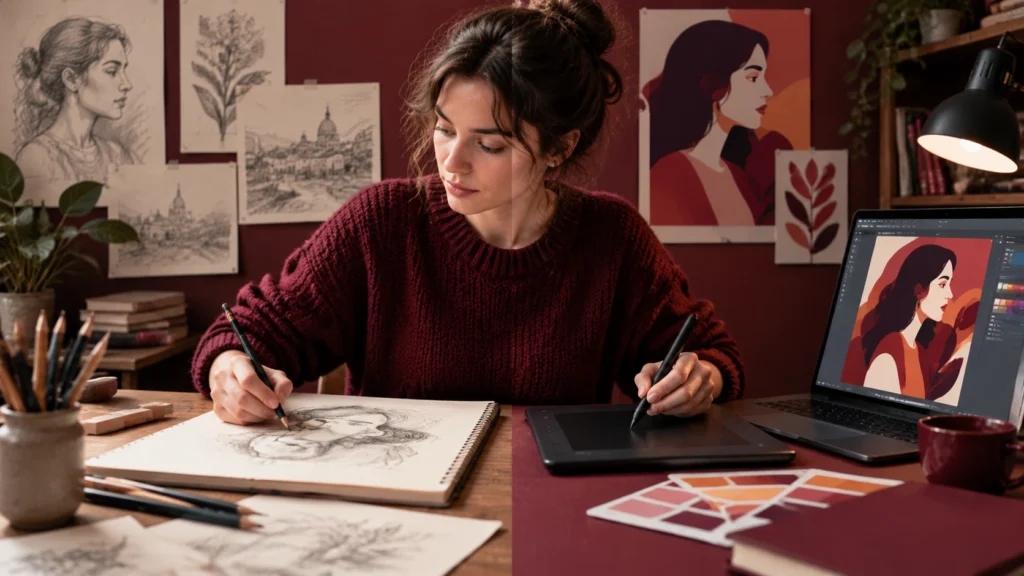
Every visual project starts with a choice that is easy to overlook: do you stay with hand drawing, or do you move the work into vector illustration? This is not a matter of taste alone. It is a workflow decision that affects speed, flexibility, file quality, and the feel of the final piece. A clear understanding of both directions helps you pick the right path at the right moment.
Why the decision matters
Hand drawing and vector illustration are not rivals. They are stages that serve different goals. Hand work is strong for exploration, texture, and quick thinking. Vector work is strong for precision, consistency, and output across many sizes and formats. The best results often come from moving between them with intention, not by defaulting to one every time.
When you decide early where each stage belongs, you save hours of rework. You also keep the personality of the sketch where it helps, and you gain the technical control of vectors where it matters.
What hand drawing does best
- Fast ideation: A pencil or pen lets you try many directions without friction. You can think on the page and test proportions, balance, and gesture before committing.
- Emotional quality: Slight irregularities, pressure changes, and visible marks carry feeling. For editorial pieces, character work, or expressive posters, this can be a strength.
- Problem solving: Sketching helps you solve layout and structure problems while your hand is still discovering the idea.
- Low-tech reliability: No software updates, no layers, no file issues. You can work anywhere and capture ideas immediately.
Hand drawing is also excellent for client conversations. A rough sketch can invite feedback without making the work feel finished. That openness often leads to better direction before heavy production begins.
What vector illustration does best
- Scalability: Vector paths stay clean at any size, from app icons to large prints.
- Consistency: Shared colors, strokes, and components help a series of images feel unified.
- Editability: Clients can request changes, and you can adjust a shape, color, or layout without rebuilding the whole image.
- Production readiness: Many print and digital systems prefer clean vectors or colors that are easy to separate and control.
Vector work also supports collaboration. Designers can hand off files to other team members, and the structure of the file makes future updates predictable.
Decision points: when to stay with hand drawing
Stay with hand drawing when the goal is exploration, mood, or rough communication. Early concept phases benefit from loose marks. If you need to test several directions quickly, a stack of sketches beats a perfect file that locks you in too soon.
Stay analog when texture and imperfection are part of the message. Handmade grain, uneven edges, and visible strokes can be the point. In editorial illustration, packaging accents, or art prints, those qualities add warmth that digital polish can remove.
Stay with drawing when the audience expects authenticity. Nonprofits, independent brands, and cultural projects often value a human touch. A sketch-like finish can feel approachable and honest.
Finally, stay analog when you are short on time and the deliverable is internal. A quick set of annotated sketches can align a team faster than building a tidy file that still needs approval.
Decision points: when to translate into vectors
Move into vectors when the work must scale cleanly. Logos, icons, UI elements, and type-based graphics are typical cases where crisp edges and predictable sizing are essential.
Move to vectors when the image will be reused across formats. If the same illustration must appear on a website, a social banner, and printed material, vector paths give you the flexibility to adapt without quality loss.
Move to vectors when production requires precision. Packaging dielines, merchandise art, and large-format prints often need exact color, alignment, and separation. Clean shapes and organized layers make production smoother.
Move to vectors when collaboration and maintenance matter. If another designer or a developer will work with the file, a structured vector file is easier to understand, modify, and version.
A balanced workflow
A common and reliable process looks like this: start on paper or in a digital sketch app, explore several directions, and choose one strong concept. Refine the sketch until proportions, spacing, and hierarchy feel right. Then move to vector software and build the final illustration with clean paths, consistent strokes, and a simple color set.
This path keeps the creative spark of the sketch and adds the technical control needed for delivery. It also protects your time. When the sketch is solid, vectorizing becomes faster and more focused.
Hybrid approaches
You do not have to choose one world for the whole project. Many illustrators scan hand-drawn linework and use it as a guide for vector tracing. Others build a vector base and add hand-drawn textures on top. Lettering can start as pencil shapes and finish as clean outlines with subtle handmade details.
These hybrids work because they match method to purpose. Use hand techniques where feeling matters. Use vectors where structure and output requirements matter.
Practical checks before you commit
- Final sizes: Will the image appear at many scales? If yes, favor vectors.
- Revision expectations: Will the client ask for changes? If yes, vectors are easier to adjust.
- Texture needs: Does the piece call for visible grain or rough edges? If yes, keep or add hand elements.
- File handoff: Who will use the file, and in what systems? If the team needs clean layers and consistent colors, build vectors.
- Deadline: Is time tight and the goal internal alignment? Sketches may be enough.
Final thought
Hand drawing and vector illustration are strongest when they support each other. Sketch to think, test, and communicate feeling. Vector to refine, scale, and deliver with control. By making the choice with purpose, you protect both the character of your work and the quality of your output.